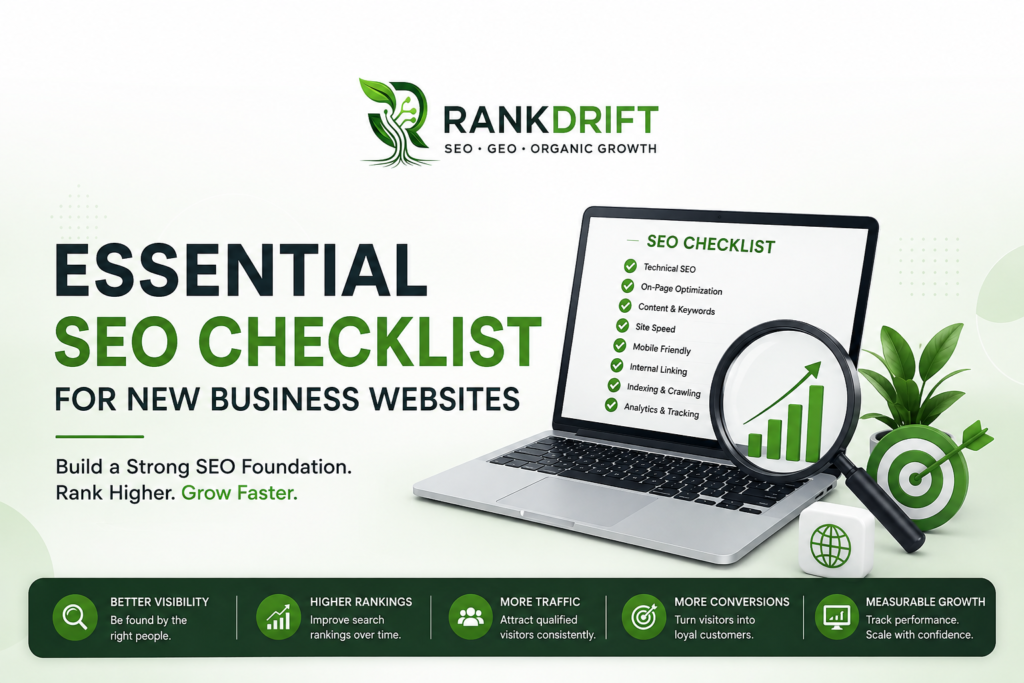
Google says there are only a few technical requirements for a page to be eligible for Search, but meeting the minimum does not guarantee crawling, indexing, or visibility. For a new business website, the real challenge is building a site that Google can understand while making it genuinely useful for potential customers.
A strong Essential SEO Checklist should therefore cover more than keywords. It should include technical setup, search intent, page structure, content, internal links, local visibility, performance, and measurement from the beginning.
Why SEO Should Start Before Your Website Launches
One of the most expensive SEO mistakes is treating optimization as something to do after the website is finished.
By launch day, your website may already have problems such as unclear page URLs, missing metadata, duplicate pages, poor internal linking, weak service descriptions, or indexing restrictions. Fixing these later can require restructuring pages that were already designed and published.
Google’s Search Essentials recommends creating helpful, reliable, people-first content and using words that people actually search for in important areas such as page titles, headings, alt text, and link text.
For a new business, SEO should be built into the website rather than added as a final marketing layer.
Pre-launch vs. Post-launch SEO
| Area | SEO Before Launch | SEO After Launch |
|---|---|---|
| Keyword targeting | Pages planned around search intent | Existing pages may need restructuring |
| URLs | Clean structure from day one | Changing URLs can create redirects |
| Site architecture | Logical navigation | Internal linking may need rebuilding |
| Technical SEO | Problems identified early | Technical issues can affect live pages |
| Content | Written around customer needs | Existing copy may need major revisions |
| Tracking | Installed before traffic arrives | Historical data may be missing |
RankDrift tip: Before publishing the website, create a simple page map showing which page targets which search intent. This prevents multiple pages from competing for the same keyword.
1. Build a Search-Friendly Website Structure
Your website structure tells both users and search engines how your business information is organized.
A basic business website might include:
- Home
- About
- Services
- Individual service pages
- Industries or solutions
- Location pages, if relevant
- Blog/resources
- Contact
Avoid putting every service on one generic page. If your business offers several distinct services, each important service should generally have a dedicated page that explains what you provide, who it is for, the problems you solve, and why customers should choose you.
Google’s SEO Starter Guide recommends making it easy for users and search engines to understand your pages and emphasizes the value of logical links between relevant resources.
Keep URLs Simple
A URL such as:
example.com/services/seo
is easier to understand than:
example.com/page?id=4728
Your URLs should be descriptive, readable, and consistent. Avoid unnecessary parameters, excessive folder levels, and constantly changing URL structures.
Google also recommends submitting a sitemap when appropriate, although a sitemap is not a requirement for every site to appear in Search.
2. Complete the On-Page SEO Basics
Once your structure is ready, optimize each important page individually.
The title tag, main heading, content, internal links, images, and metadata should all communicate the same primary topic.
Google explains that title links can be generated from multiple sources, including the page’s <title> element and headings. It recommends titles that are unique, clear, concise, and accurate.
Essential On-Page Checklist
| Element | What to Check |
|---|---|
| Page title | Unique and descriptive |
| H1 | Clearly communicates the page topic |
| Meta description | Useful summary that encourages clicks |
| Main keyword | Naturally included where relevant |
| Headings | Organized with logical H2/H3 sections |
| Images | Descriptive filenames and useful alt text |
| Internal links | Connect related pages naturally |
| Content | Addresses the visitor’s actual search intent |
| CTA | Gives visitors a clear next action |
Don’t force the target keyword into every paragraph. Google explicitly recommends using the words people search for in prominent and descriptive locations, but the goal is to help users rather than repeat phrases unnaturally.
Example
Instead of creating a service page titled:
Digital Marketing
you could make the intent clearer:
Digital Marketing Services for Growing Businesses
The second option gives both the visitor and search engine more context about what the page provides.
3. Make Sure Google Can Crawl and Index Your Website
A beautiful website is useless in search if Google cannot properly access or index its important pages.
Start by checking whether your website is actually appearing in Google. Google recommends using a site: search as a basic way to check indexed pages, while Search Console provides more detailed information.
Set up Google Search Console immediately after launch.
Search Console’s Performance report provides data including:
- Clicks
- Impressions
- CTR
- Average position
- Search queries
- Pages
- Countries
Google recommends using these metrics to understand which queries and pages are generating visibility and traffic.
Technical SEO Checks
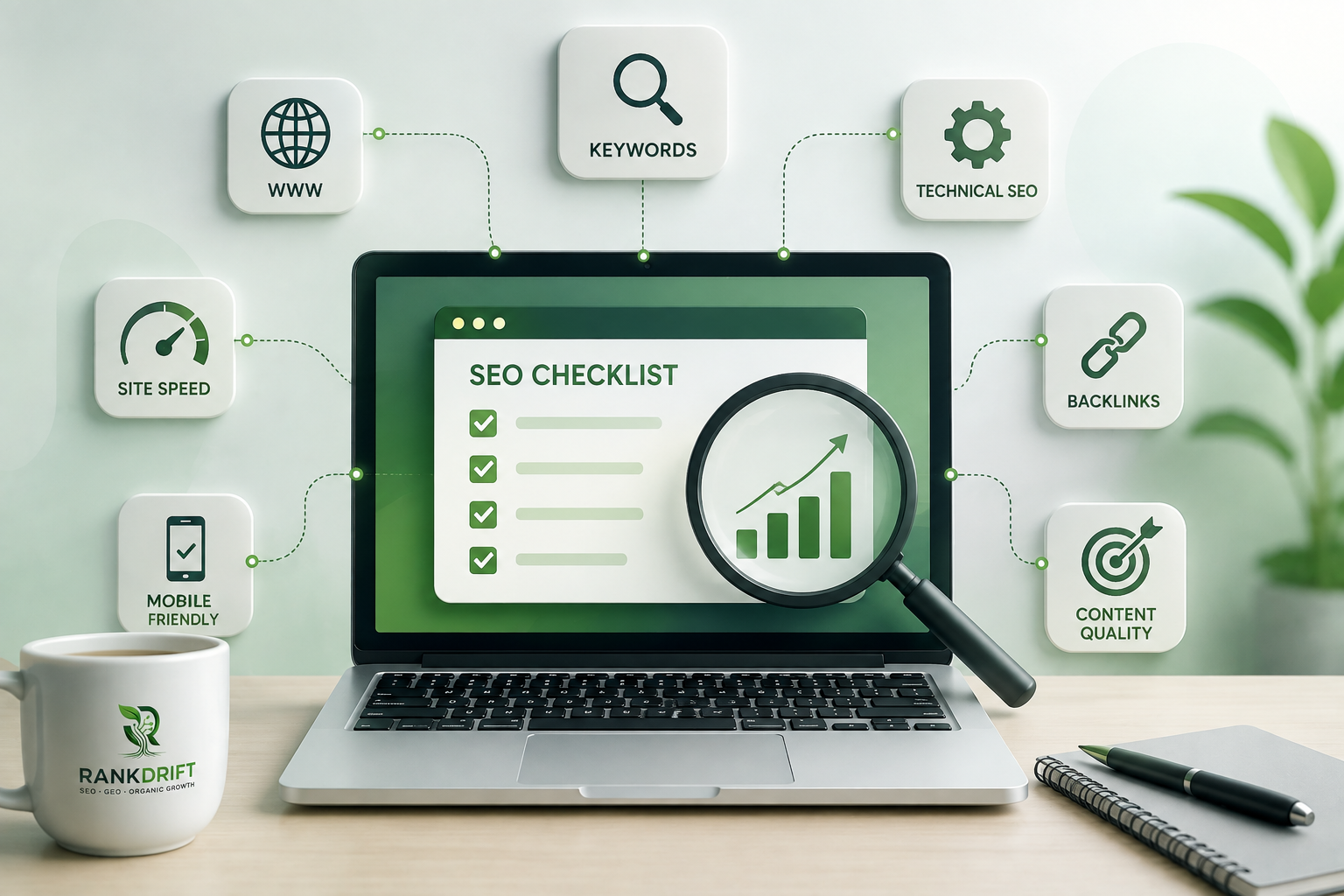
Before and immediately after launch, verify:
- The website uses HTTPS.
- Important pages return a normal 200 status.
- Important pages are not accidentally blocked by
robots.txt. - Valuable pages do not contain unwanted
noindexdirectives. - The XML sitemap is available and correctly configured.
- Canonical URLs are appropriate.
- Internal links point to the correct URLs.
- Google can access important CSS and JavaScript resources.
- Redirects work correctly when URLs change.
- 404 pages are handled properly.
Google’s SEO documentation specifically recommends checking how Google sees your pages using the URL Inspection tool in Search Console.
Illustrative example: If a new website has 40 important pages but several service pages are accidentally blocked from indexing, publishing more blog posts will not solve the underlying visibility problem. The first priority is making the important pages accessible.
4. Prioritize Website Speed and User Experience
Technical SEO isn’t only about crawling and indexing. Your website also needs to provide a solid experience once someone arrives.
Google’s Core Web Vitals focus on loading performance, responsiveness, and visual stability. The recommended thresholds are:
| Core Web Vital | Recommended Target |
|---|---|
| LCP | Within 2.5 seconds |
| INP | Less than 200 ms |
| CLS | Less than 0.1 |
These thresholds come directly from Google Search Central. Google also makes clear that strong Core Web Vitals alone do not guarantee top rankings.
For a new website, check:
- Mobile layout
- Image sizes
- JavaScript usage
- Server response time
- Font loading
- Layout shifts
- Navigation
- Pop-ups and intrusive elements
Google’s page experience guidance also recommends secure pages, good Core Web Vitals, mobile-friendly presentation, and avoiding intrusive experiences that interfere with the main content.
Don’t obsess over achieving a perfect score at the expense of useful content. A fast website with weak information still won’t satisfy a customer looking for a specific solution.
5. Create Content Around Real Customer Searches
A new business website doesn’t need 100 blog posts on day one.
It needs the right pages.
Start by identifying the searches that indicate commercial or informational intent around your products and services. Then map those searches to appropriate pages.
For example, a digital marketing agency might organize its content like this:
| Search Intent | Recommended Page |
|---|---|
| SEO agency | Main SEO service page |
| Local SEO services | Local SEO service page |
| How does SEO work? | Educational blog |
| SEO pricing | Pricing/service information |
| SEO agency in Delhi | Relevant local landing page |
| Technical SEO services | Technical SEO page |
This prevents your blog from becoming a collection of disconnected articles.
Google’s Search Essentials emphasizes helpful, reliable, people-first content rather than content created primarily to manipulate rankings.
For every important page, ask one simple question:
What would a potential customer still need to know after reading this page?
Answer that question better than competing pages, and your content becomes more useful.
6. Build Internal Links From the Start
Internal linking is one of the easiest SEO tasks to overlook on a new website.
If your blog discusses technical SEO, it can naturally link to your technical SEO service page. A post about local search can link to your local SEO service. A guide about keyword research can link to a broader SEO strategy page.
Google’s SEO Starter Guide states that links are a crucial resource for discovering pages and that appropriate anchor text helps users and search engines understand the linked page.
Don’t create hundreds of internal links just for SEO.
Instead, create a logical path:
Blog → Relevant Service → Contact/Lead Page
That structure helps users move from information to action while giving search engines additional context about relationships between your pages.
7. Set Up Local SEO If You Serve a Specific Area
If your business serves customers in a particular city, region, or physical location, local SEO should be part of your launch checklist.
Make sure your business information is consistent across important platforms and that your website clearly communicates:
- Business name
- Services
- Service areas
- Contact details
- Location information where applicable
- Opening hours where relevant
Create location-specific pages only when they provide genuine value. Copying the same service page and changing only the city name can create thin, repetitive content.
A better local page explains what you offer in that market, who you serve, relevant local context, and how customers can contact you.
8. Track SEO From Day One
You cannot improve what you don’t measure.
Google Search Console gives you visibility into how your website performs in Google Search, including impressions, clicks, CTR, queries, pages, and average position.
Your initial SEO dashboard should track:
| Metric | Why It Matters |
|---|---|
| Impressions | Shows search visibility |
| Clicks | Shows traffic generated from Search |
| CTR | Indicates how effectively results attract clicks |
| Queries | Shows what people search for |
| Average position | Helps identify ranking trends |
| Indexed pages | Shows whether important pages are discoverable |
| Conversions | Connects SEO with business outcomes |
Don’t judge SEO only by rankings.
A keyword moving from position 40 to 18 may be meaningful progress even though it hasn’t reached page one. Search Console recommends focusing on trends in impressions and clicks rather than relying on average position alone.
Common SEO Mistakes New Businesses Make
Publishing First and Optimizing Later
This often creates unnecessary rework. Build the basic SEO structure before the site goes live.
Targeting Only High-Volume Keywords
High-volume keywords can be extremely competitive. A new business may get better opportunities from specific, high-intent searches.
Creating Thin Service Pages
A page with 150 words and a generic sales pitch rarely provides enough information for users making a serious buying decision.
Ignoring Technical SEO
Broken links, indexing problems, poor redirects, and inaccessible resources can undermine otherwise good content.
Writing for Search Engines Instead of Customers
Google’s current Search Essentials specifically prioritizes helpful, reliable, people-first content.
Measuring Rankings Without Business Results
Traffic is useful, but qualified leads, enquiries, calls, bookings, and sales are what ultimately determine whether SEO is contributing to growth.
Essential SEO Checklist for a New Website
Use this checklist before and after launch:
- Define your target audience and search intent.
- Create a keyword-to-page map.
- Build a logical website structure.
- Use clean, descriptive URLs.
- Write unique page titles and H1s.
- Create useful meta descriptions.
- Optimize service and product pages.
- Add descriptive image alt text where appropriate.
- Build relevant internal links.
- Check HTTPS and technical accessibility.
- Review robots.txt and indexing directives.
- Create and review your XML sitemap.
- Connect Google Search Console.
- Check Core Web Vitals and mobile experience.
- Create genuinely useful supporting content.
- Set up local SEO if relevant to your business.
- Track clicks, impressions, queries, and conversions.
- Review SEO performance regularly and improve pages based on real data.
FAQ
What is the most important SEO task for a new website?
Start with website structure, search intent, indexability, and useful page content. A new website should make it easy for Google to discover important pages and easy for customers to understand what the business offers.
How long does SEO take for a new business website?
There is no universal timeline. Competition, website quality, authority, search demand, content depth, and technical condition all influence results. Treat SEO as an ongoing growth channel rather than a one-time setup task.
Does every new website need a sitemap?
Not necessarily. Google states that submitting a sitemap is not required for every website, although it can help Google discover URLs, particularly on larger or more complex sites.
Should I focus on technical SEO or content first?
Both matter, but technical accessibility comes first if Google cannot properly crawl or index your important pages. Once the foundation works, build useful content around real customer search intent.
How can I measure whether my SEO is working?
Use Google Search Console to monitor impressions, clicks, CTR, queries, pages, and average position, then connect those results with your business goals such as leads, enquiries, calls, or sales.
Build the Foundation Before Chasing Rankings
A new website doesn’t need to be perfect before it can start competing in search. It needs a clean technical foundation, clear page structure, useful content, relevant internal links, and a measurement system that shows what is actually working.
For businesses that want to turn their website into a consistent source of organic visibility and leads, RankDrift can help build that SEO foundation around real search opportunities not just a list of keywords.