
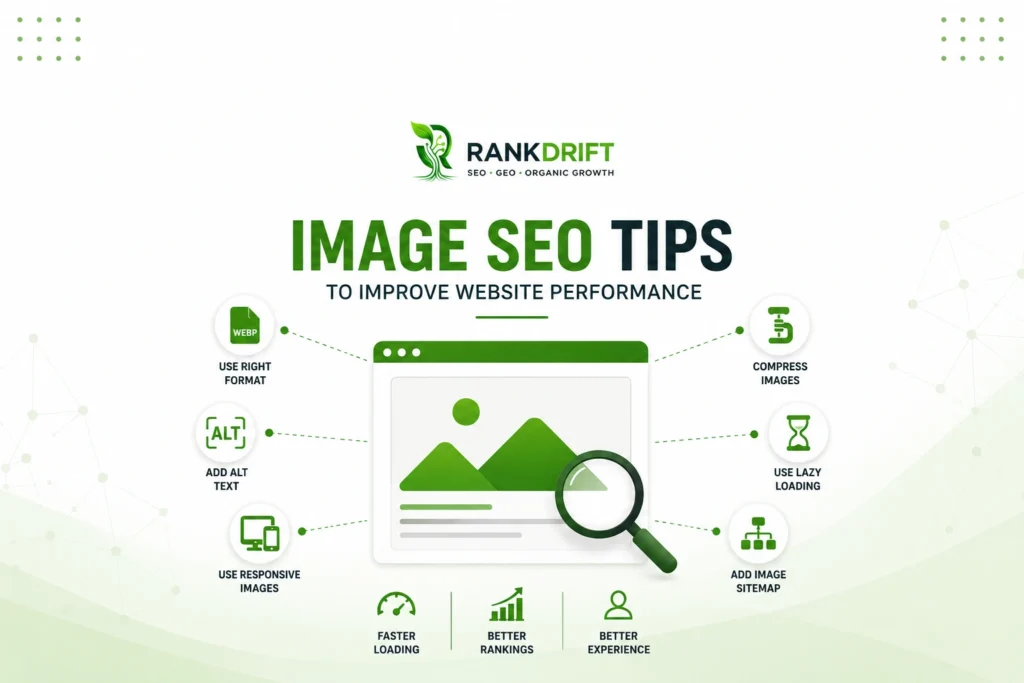
SEO Tips for images can improve search visibility, page speed, accessibility, and overall website performance. Images often consume more bandwidth than most other page elements. The 2024 HTTP Archive found that median desktop homepages transferred about 1,054 KB of images. Median mobile homepages transferred about 900 KB.
That makes image optimization more than a design task. It directly affects how quickly users can access important content. It also affects how efficiently search engines discover and understand visual assets.
For businesses, especially mobile-first audiences in India, inefficient images can create unnecessary friction. The following SEO Tips focus on both image visibility and measurable website performance.
Why Image SEO Tips Matter for Website Performance
Images often carry more page weight than business owners expect. HTTP Archive data shows that a median desktop homepage requests around 18 images. A median mobile homepage requests around 16 images.
Meanwhile, Google recommends achieving a Largest Contentful Paint of 2.5 seconds or less for a good user experience. This target should be met for at least 75% of page visits.
A large hero banner can become the Largest Contentful Paint element. Therefore, an oversized or poorly delivered image can delay the page’s main visible content.
Image optimization also supports search discovery. Google says it uses alt text, page content, and computer vision to understand image subject matter.
Strong SEO Tips should consequently address three areas together:
- Image discoverability and relevance
- File size and delivery performance
- Accessibility and user experience
Treating these areas separately can leave significant performance opportunities untouched.
SEO Tips for Choosing the Right Image Format
Choosing a format should happen before uploading an image. Using JPEG or PNG automatically for every visual can create unnecessarily large files.
Modern formats such as WebP and AVIF often provide better compression opportunities. Google Search currently supports BMP, GIF, JPEG, PNG, WebP, SVG, and AVIF images.
HTTP Archive’s 2024 data also demonstrates substantial differences between formats. At the 90th percentile on desktop, JPG images reached 274 KB. PNG reached 196 KB, while WebP reached 116 KB. AVIF reached only 45 KB.
These figures do not mean AVIF will always produce the smallest acceptable image. However, they show why format testing belongs in your workflow.
| Image Format | Best Use Case | Main Advantage | Main Limitation |
|---|---|---|---|
| JPEG | Photographs and complex images | Strong compatibility | Often larger than newer formats |
| PNG | Graphics requiring transparency | Excellent visual quality | Large files for photographs |
| WebP | Photos and web graphics | Good compression and quality | Requires a planned conversion workflow |
| AVIF | High-quality modern web imagery | Strong compression potential | Encoding can require more processing |
| SVG | Logos, icons and illustrations | Scales without pixelation | Unsuitable for normal photographs |
A practical approach uses SVG for logos and icons. WebP or AVIF can handle most photographic assets. PNG should remain available when its specific capabilities are necessary.
These SEO Tips reduce wasted bytes without forcing unnecessary quality loss.
SEO Tips for Image Compression and File Size
Compression offers one of the fastest opportunities to improve an image-heavy website.
HTTP Archive found that images represented about 1,054 KB on the median desktop homepage. JavaScript represented approximately 613 KB on the same pages.
The problem becomes larger on image-heavy websites. At the 75th percentile, desktop homepages transferred around 2,822 KB of images. Mobile homepages transferred approximately 2,517 KB.
Businesses should avoid uploading a five-megabyte photograph when the displayed version needs a fraction of that data.
Consider this illustrative optimization workflow:
| Asset | Before Optimization | Better Approach | Expected Effect |
|---|---|---|---|
| Hero banner | Large JPEG | Resize and convert to WebP/AVIF | Lower transfer size |
| Product photo | Full camera resolution | Resize for actual display | Faster mobile loading |
| Company logo | PNG | SVG where appropriate | Sharp scaling with small files |
| Blog graphic | Oversized PNG | WebP or optimized PNG | Reduced page weight |
| Thumbnail | Full-size source image | Dedicated thumbnail size | Less wasted bandwidth |
The exact savings depend on dimensions, quality, content, and format. Therefore, measure files rather than targeting an arbitrary compression percentage.
Useful SEO Tips should protect visual clarity while removing bytes users never need.
Use Responsive Images Instead of One Large Image Everywhere
Desktop screens and smartphones do not require identical image dimensions. Yet many websites send the same large file to every device.
Google’s web.dev documentation states that serving desktop-sized images to mobile devices can consume two to four times more data than necessary.
Responsive images solve this problem by giving browsers several image candidates. The browser can then select an appropriate file based on display conditions.
Developers can implement responsive delivery using srcset, sizes, and the <picture> element. Google also recommends retaining a fallback src attribute.
For example, your website might prepare several versions of one product image:
- 400 pixels wide for small screens
- 800 pixels wide for larger mobile displays
- 1,200 pixels wide for desktop layouts
- A larger version only when genuinely required
Responsive delivery becomes especially important for ecommerce websites, portfolios, property websites, restaurants, and visual service businesses.
Among technical SEO Tips, this one can improve performance without reducing the perceived image quality.
Optimize Alt Text, Filenames and Image Context
Image SEO is not only about reducing file size. Search engines also need enough context to understand each visual.
Google specifically recommends short, descriptive filenames instead of generic names such as image1.jpg or IMG00023.JPG.
For example:
Weak filename: IMG_83920.jpg
Better filename: custom-office-window-blinds.webp
Alt text deserves even greater attention. Google describes alt text as the most important image attribute for providing additional metadata. It also supports users who rely on screen readers.
However, keyword stuffing creates the opposite effect.
Poor alt text:SEO tips SEO tips images image SEO best SEO tips website SEO
Useful alt text:Marketing dashboard showing organic traffic growth
The second version describes what the image actually communicates.
Context also matters. Google uses surrounding page content, captions, and image titles when understanding images.
Therefore, place meaningful visuals near relevant text. Avoid inserting unrelated stock photographs simply to break long sections.
These SEO Tips help search engines connect the image with the page’s actual subject.
Handle Lazy Loading Without Hurting LCP
Lazy loading delays images until users approach them. Used correctly, it prevents below-the-fold images from competing with immediately important resources.
However, lazy loading should not automatically apply to every image.
The 2024 Web Almanac found that 16% of mobile pages with image-based LCP used native or custom lazy loading on that LCP image.
That creates a performance problem. The browser needs the LCP asset quickly, yet lazy loading tells it to delay retrieval.
A stronger strategy separates critical images from non-critical images.
| Image Location | Recommended Loading Approach |
|---|---|
| Main hero or likely LCP image | Load immediately |
| Above-the-fold product image | Prioritize based on importance |
| Below-the-fold gallery | Lazy load |
| Footer graphics | Lazy load |
| Related-post thumbnails far below content | Lazy load |
Also ensure important images are discoverable in the initial HTML.
The same Web Almanac report found that 35% of mobile pages had LCP elements that were not statically discoverable.
This makes early image discovery one of the most valuable technical SEO Tips for performance-focused websites.
Make Images Discoverable to Google
An optimized image offers limited SEO value when search engines cannot discover it correctly.
Google recommends using standard HTML image elements. Google can discover images through the src attribute of an <img> element. However, Google states that it does not index CSS images.
That distinction matters for websites using large CSS background images for important content.
Image sitemaps provide another discovery method. Google says image sitemaps can identify images it might not otherwise discover, including some images reached through JavaScript.
This approach becomes useful for:
- Ecommerce catalogues
- Property listing websites
- Large publishing websites
- Travel portals
- Photography websites
- Websites containing extensive visual libraries
Structured data can provide additional context. Google can use image properties within supported structured data to display richer search features.
These SEO Tips are particularly valuable for businesses where images influence discovery and purchase decisions.
Common Image SEO Mistakes That Hurt Performance
Several image optimization mistakes appear harmless during content publishing. However, their effects accumulate across hundreds or thousands of pages.
1. Uploading Original Camera Files
A website rarely needs the full dimensions produced by a modern camera. Resize assets before publishing whenever possible.
2. Writing Alt Text for Search Engines Only
Alt text should describe meaningful visual information. Google explicitly warns against keyword stuffing within alt attributes.
3. Lazy Loading the Hero Image
The hero image may become the LCP element. Delaying it can directly harm loading performance.
4. Using One Image Size Across Every Device
Responsive images prevent smaller screens from downloading unnecessary pixels. This matters significantly for mobile visitors.
5. Assuming a CDN Fixes Heavy Images
A CDN can shorten delivery distance. However, it does not automatically eliminate unnecessary image bytes. HTTP Archive specifically notes that CDNs help delivery but do not reduce page weight.
6. Ignoring Width and Height
Missing dimensions can contribute to unexpected layout movement. Visual stability remains part of Core Web Vitals.
Google’s current good Core Web Vitals thresholds include LCP at 2.5 seconds, INP at 200 milliseconds, and CLS at 0.1.
Avoiding these mistakes makes your SEO Tips implementation measurable rather than cosmetic.
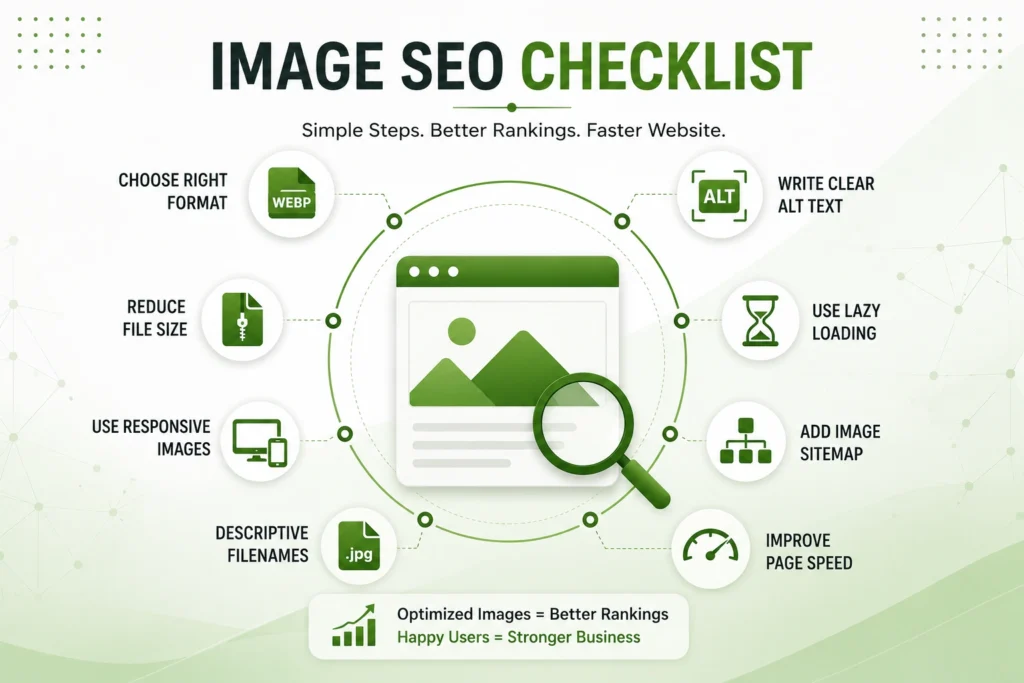
Practical Image SEO Tips Checklist
Use this checklist when auditing existing pages or publishing new content.
- Find your heaviest pages. Start with pages containing large banners, galleries, or product photographs.
- Identify the LCP element. Check whether a hero image controls the page’s LCP.
- Resize oversized images. Do not deliver dimensions far beyond their displayed size.
- Test WebP and AVIF. Compare file size and acceptable visual quality.
- Compress every major image. Prioritize large above-the-fold assets first.
- Create responsive versions. Use
srcsetandsizeswhere appropriate. - Write descriptive filenames. Replace generic camera or export filenames.
- Add meaningful alt text. Describe the visual naturally and accurately.
- Keep important images in HTML. Do not hide essential SEO images inside CSS.
- Avoid lazy loading your LCP image. Prioritize it instead.
- Lazy load non-critical images. Apply it to assets further down the page.
- Check image sitemap coverage. This matters more for image-heavy websites.
- Review structured data. Confirm relevant image properties appear correctly.
- Measure after implementation. Use field data alongside testing tools.
- Repeat the audit regularly. New content can reintroduce oversized files.
Following these SEO Tips systematically is more effective than optimizing random images without measuring their impact.
FAQ: Image SEO Tips and Website Performance
What is image SEO?
Image SEO optimizes visual assets for search discovery, accessibility, and website performance. It includes filenames, alt text, formats, compression, dimensions, responsive delivery, and crawlability.
What image format is best for SEO?
There is no universal best format. WebP and AVIF provide strong compression options for many web images. SVG works particularly well for logos, icons, and scalable illustrations.
Does alt text improve image SEO?
Yes, useful alt text helps search engines understand image subject matter. Google combines alt text with page content and computer vision when interpreting images.
Should every website image use lazy loading?
No. Below-the-fold images are strong candidates for lazy loading. Important above-the-fold images, especially LCP images, should usually load immediately.
Can image optimization improve Core Web Vitals?
Yes, especially when a large image controls LCP. Google recommends keeping LCP at 2.5 seconds or less for a good user experience.
Final Thought
The most effective SEO Tips for images connect search optimization with performance. A descriptive filename alone cannot compensate for a massive hero image. Likewise, compression cannot help Google understand an image with poor context.
Start with your highest-traffic pages and their largest visual assets. Optimize those images for size, delivery, relevance, and discoverability. Then measure the results and apply the same process across your website.